8. Teams, Billing, Admin, Troubleshooting
Goal
Operate team collaboration, subscription lifecycle, and admin controls with predictable outcomes.
Teams management
Open
Teams.Create team or open existing team workspace.
Invite members by email.
Assign role per member (owner/admin/member according to policy).
Validate invited user can access only authorized modules.
Billing and plan lifecycle
Open profile/billing section.
Validate current plan state (Free, Pro, Team).
Execute upgrade flow when needed: - Free -> Pro. - Pro -> Team.
Confirm billing status updates after successful checkout.
Verify team entitlements are unlocked for Team plan.
Admin controls
Open
Admin(authorized roles only).Review: - Audit logs. - Operational status pages. - Tenant/team controls.
Apply changes only with change ticket or approval workflow.
Functional validation checklist
Team invite, acceptance, and role assignment complete successfully.
Plan upgrades reflect in UI and permission model.
Subscription status survives logout/login and refresh.
Admin pages are inaccessible to unauthorized roles.
Billing errors are explicit and do not leave ambiguous plan state.
Expected result
Collaboration and plan controls work end-to-end.
Operational admins can diagnose issues without data corruption.
Troubleshooting quick playbook
Session/auth issue: - Logout/login and validate account state.
Missing module/data: - Validate active project and role permissions.
Billing mismatch: - Verify subscription provider status and team ownership.
UI stale state: - Hard refresh and rerun last action once.
Screenshot
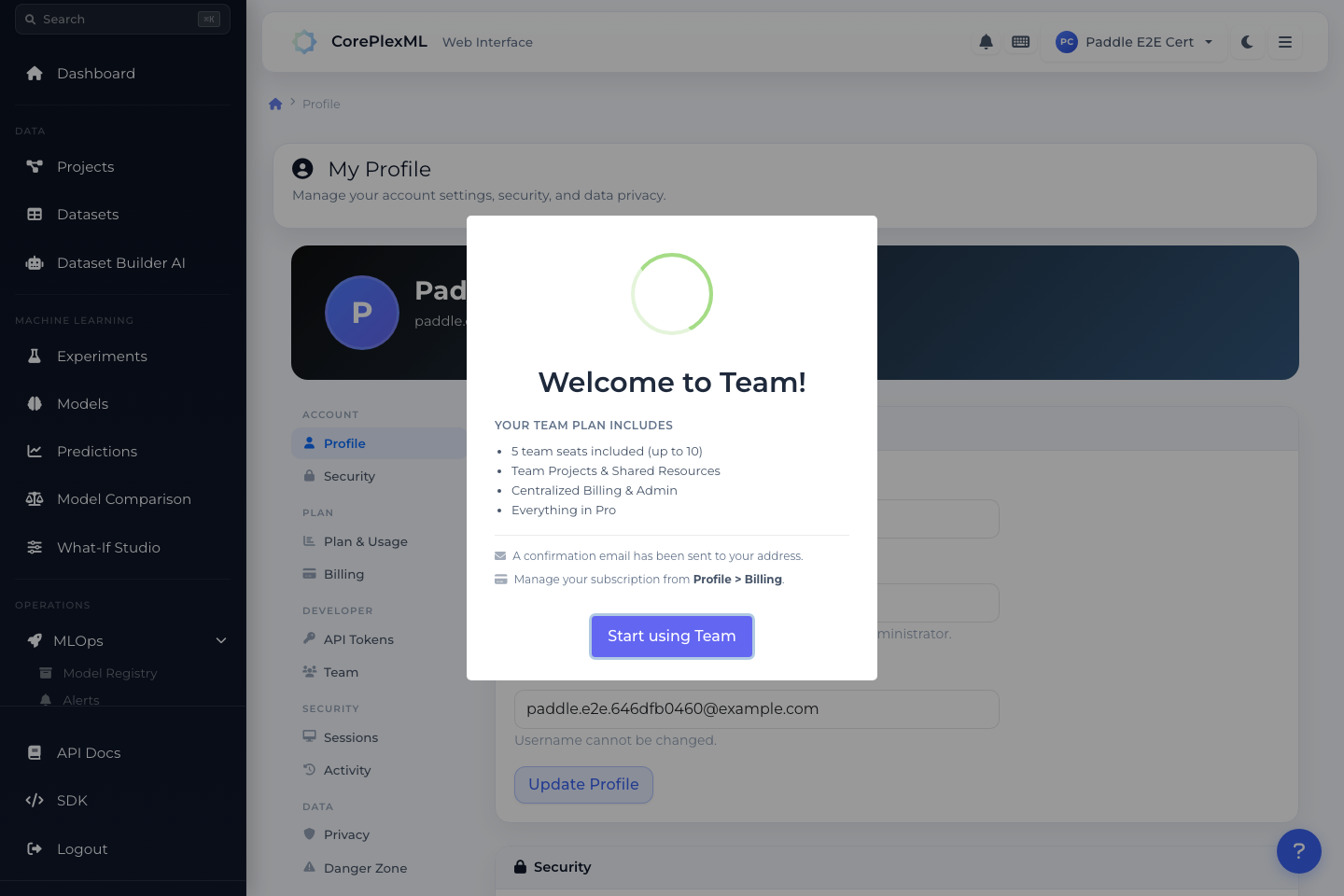
Team and billing controls from profile/workspace context.