4. Dataset Builder AI
Goal
Produce a transformed dataset through a guided conversational workflow with full traceability.
What this module must do
Ask relevant questions for the current data step.
Generate and execute transformations.
Show preview and row/column impact.
Allow confirm, retry, or correction paths.
Run a realistic conversation
Open
Dataset Builder AIand select a dataset version.Read the initial analysis summary.
Answer first questions with realistic intent: - Ask clarifications. - Change decision mid-flow. - Reject an outcome and request retry.
Continue until script executes and output preview is displayed.
Confirm only if output matches objective.
If output is not what you expect
Ask for clarification before confirming the step.
Adjust your previous choices and run retry.
If row count drops unexpectedly, retry with safer cleaning parameters.
If output reaches zero rows, use retry and review transformation options.
Functional validation checklist
Builder generates output artifact and new dataset version.
Output row count is non-negative and explicitly reported.
Preview table reflects transformation choices.
Conversation state persists across refresh/re-entry.
Retry path restores previous valid dataset when requested.
Expected result
User can iterate from analysis to final artifact without hidden state loss.
Final dataset is usable by Experiments module.
Common errors and recovery
Zero-row outputwarning: - Use retry path and adjust cleaning strategy.Unexpected transformation result: - Request rollback/retry in conversation.
Session interruption: - Re-open Builder session and continue from saved state.
Screenshot
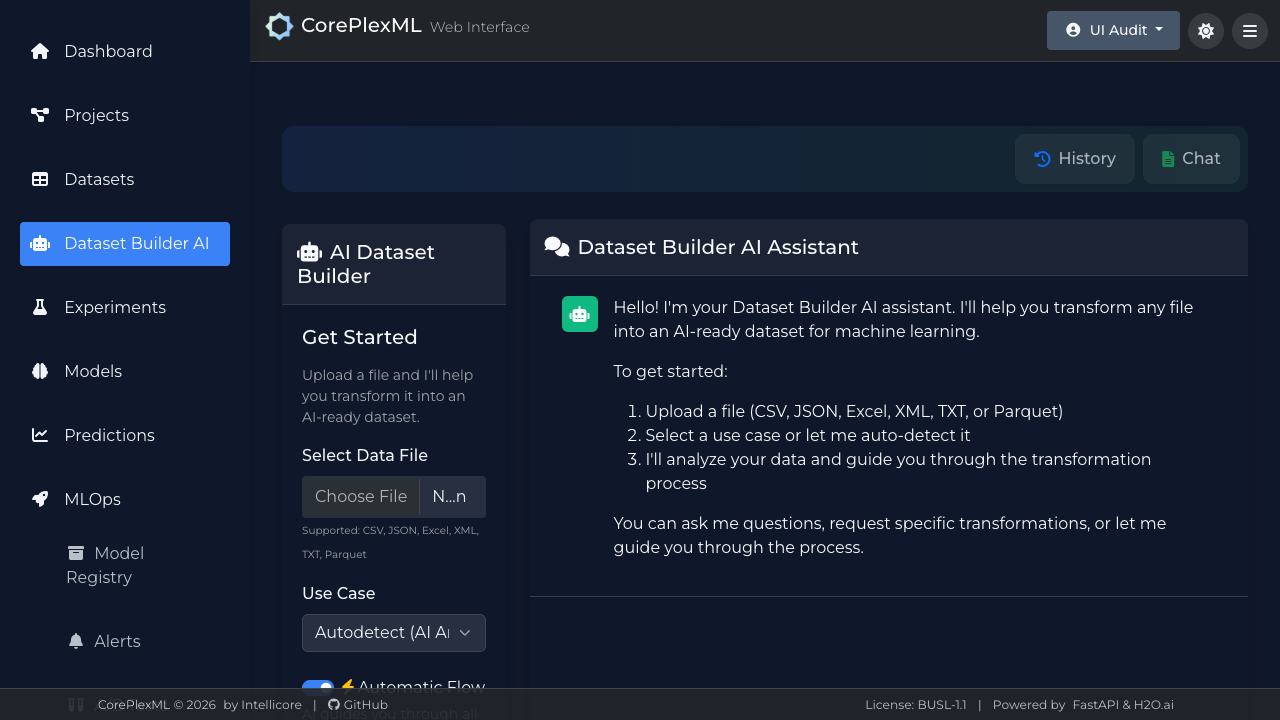
Conversational flow with transformation output preview.