6. MLOps and A/B Testing
Goal
Deploy models safely, monitor runtime behavior, and compare variants with statistical discipline.
Create a deployment
Open
MLOps > Deployments.Select a model version from registry.
Configure deployment settings: - Environment. - Replica/compute profile. - Rollback strategy.
Deploy and wait until status is
active.
Monitor deployment
Validate health indicators: - Uptime/health state. - Error rate. - Latency percentile.
Generate test inference call and confirm response.
Review recent logs for runtime exceptions.
Run A/B test
Open
MLOps > A/B Tests.Create a test with: - Baseline model (A). - Candidate model (B). - Traffic split. - Primary success metric. - Minimum sample size/duration.
Start test and monitor allocation.
Evaluate winner decision when threshold is reached.
Functional validation checklist
Active deployment serves predictions without downtime.
Health and metrics update in near real-time.
A/B traffic split is respected by observed request counts.
Reported winner is supported by configured metric.
Rollback can be executed if candidate degrades performance.
Expected result
Production path is stable and observable.
Model promotion decisions are data-driven.
Common errors and recovery
Deployment stuck in
pending: - Check environment capacity and model artifact availability.High error rate after release: - Trigger rollback to previous stable model.
Inconclusive A/B test: - Increase duration/sample size before decision.
Screenshots
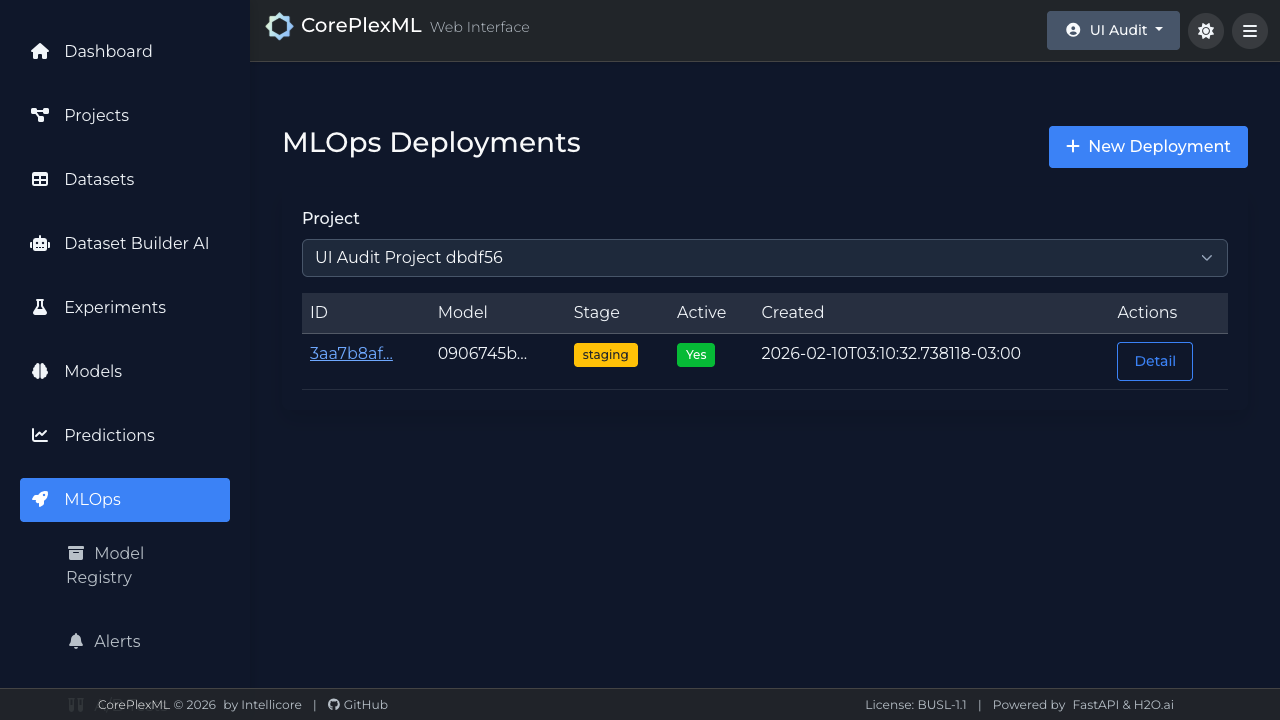
MLOps deployment list with runtime status.
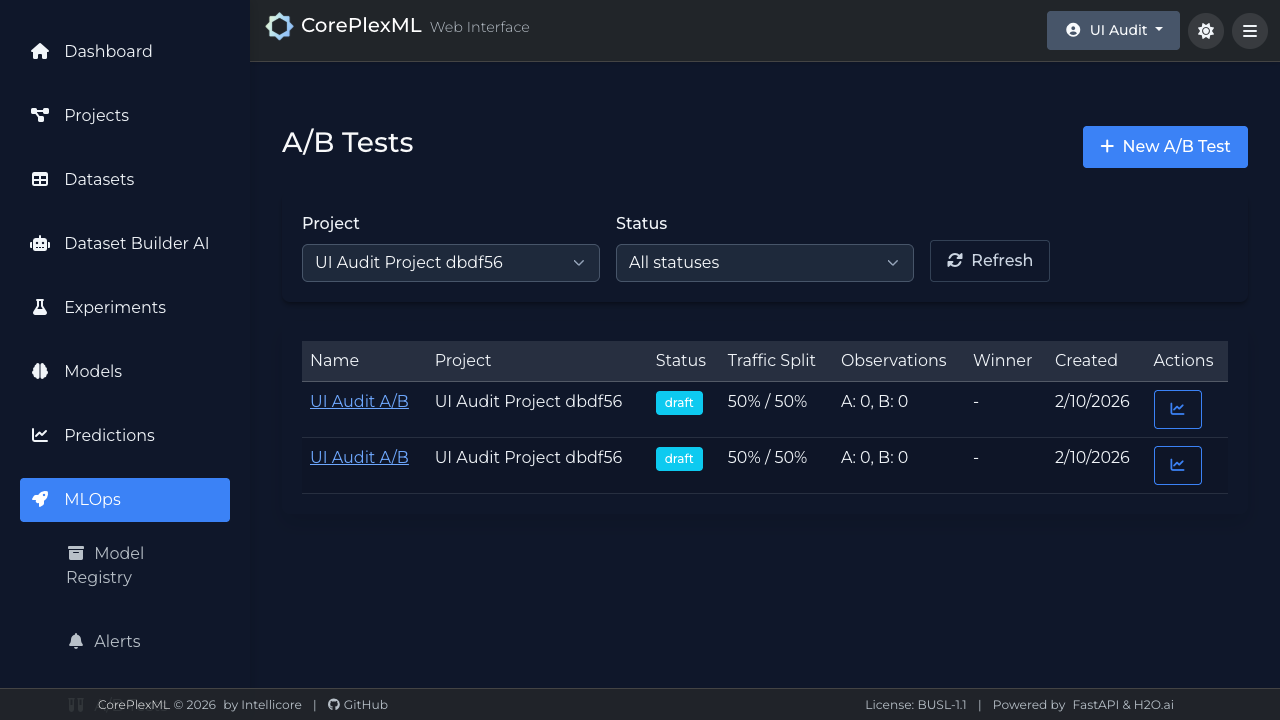
A/B testing configuration and live comparison view.