3. Projects and Datasets
Goal
Create projects, upload datasets, and validate data integrity before modeling.
Preconditions
User has project create/upload permissions.
Data file is available in CSV or Parquet format.
Create a project
Open
Projects.Click
Create Project.Set: - Project name. - Optional description. - Visibility/team scope if enabled.
Save and confirm project appears in list.
Upload a dataset
Open
Datasetsinside the target project.Click
Upload Dataset.Select file and optional metadata fields.
Wait for ingestion completion status.
Open dataset detail view.
Validate dataset quality
Review schema inference: - Column names. - Data types. - Null counts.
Review row count and duplicate indicators.
Review first rows preview for parsing issues.
Confirm delimiters/date formats were interpreted correctly.
Functional validation checklist
Dataset artifact is created and visible in table.
Reported row count matches source file expectation.
Critical columns preserve expected types.
Preview values are not shifted/truncated unexpectedly.
Re-opening dataset detail returns same metadata (idempotent view).
Expected result
Project and dataset are ready for downstream workflows.
Dataset version is selectable in Builder/Experiments.
Common errors and recovery
Upload stuck in processing: - Retry upload with smaller sample. - Check server logs for parser error.
Wrong type detection: - Re-upload with cleaned headers/date format.
Row mismatch vs source: - Validate delimiter/quote settings and malformed rows.
Screenshots
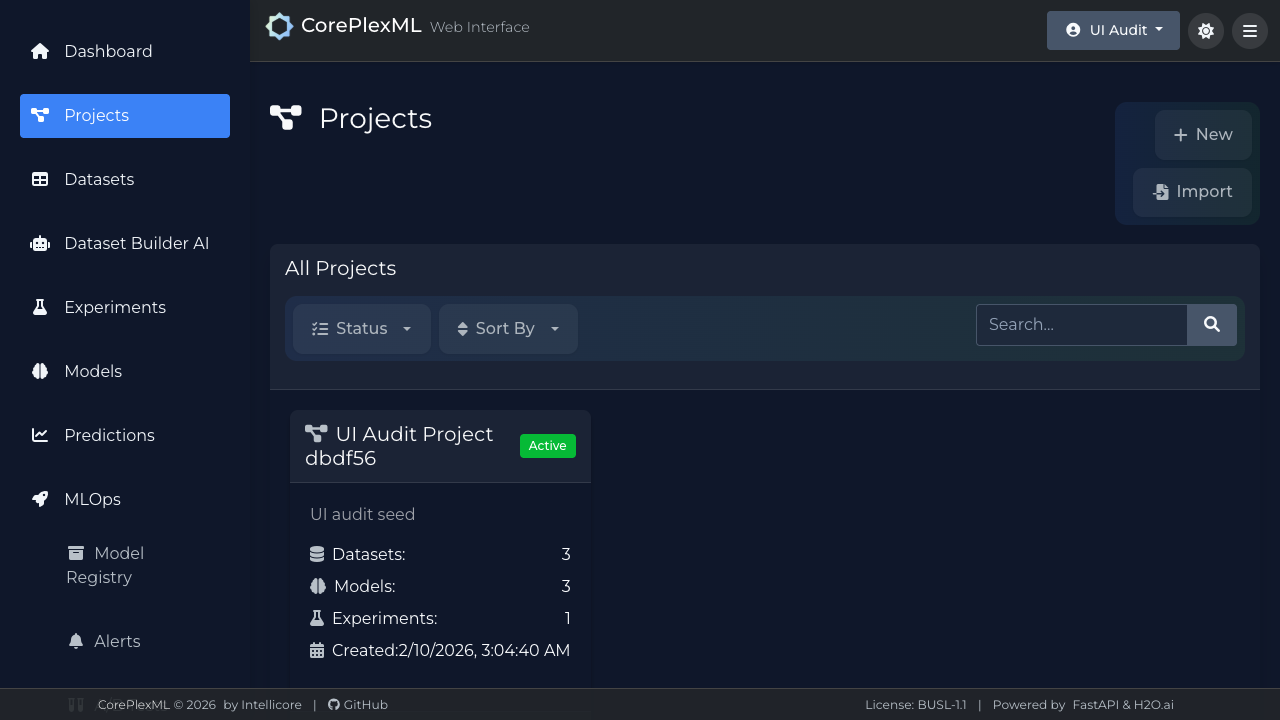
Projects module with creation and selection flow.
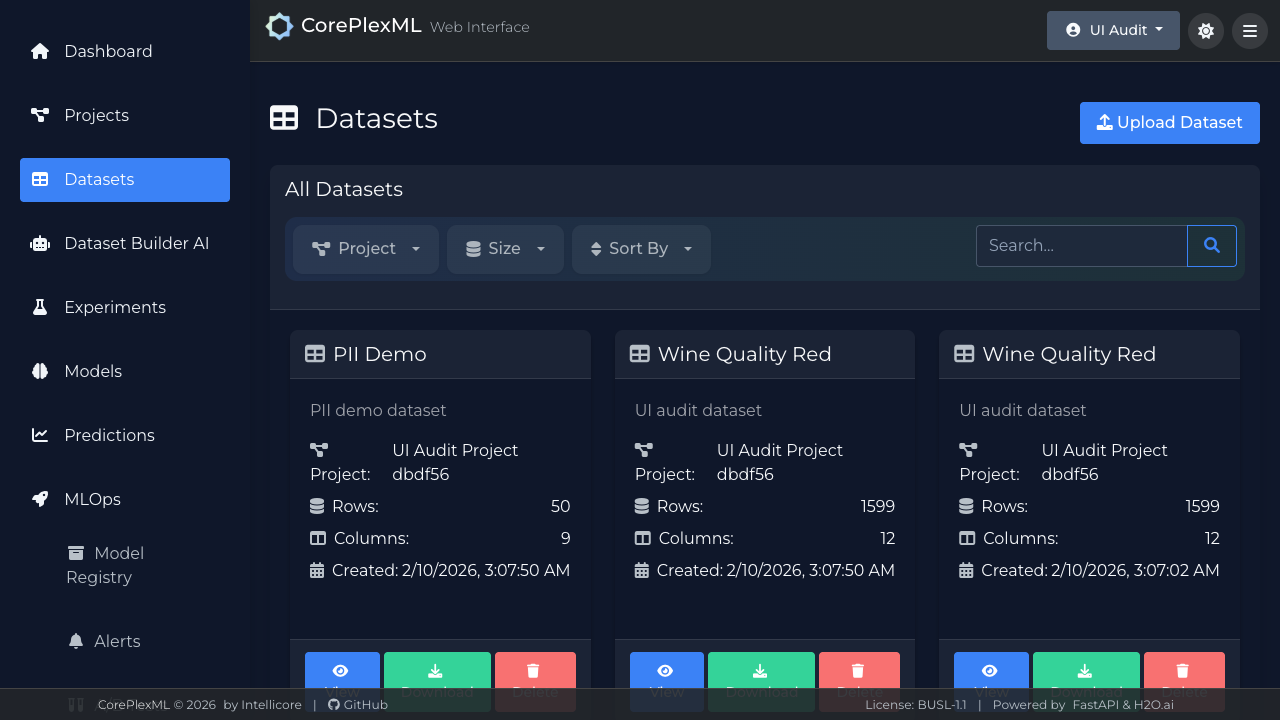
Dataset registry with upload status and metadata summary.