5. Experiments, Models, Predictions
Goal
Train models, compare results, register best candidate, and run prediction workflows.
Create an experiment
Open
Experiments.Click
New Experiment.Configure: - Dataset/version. - Target column. - Problem type (classification/regression/time series if available). - Validation strategy and objective metric.
Start run and monitor status.
Review results and model registry
Open leaderboard when run completes.
Confirm primary metric and rank ordering.
Open best model detail and inspect: - Metrics. - Feature importance/explainability (if enabled). - Artifact/version metadata.
Register or pin model according to workflow.
Run predictions
Open
Predictions.Run single-record prediction from UI form.
Run batch prediction using file upload if available.
Validate output fields: - Predicted value/class. - Confidence/probability (if applicable). - Request timestamp/run reference.
Functional validation checklist
Experiment transitions to terminal state without silent failure.
Metrics shown in model detail match leaderboard values.
Prediction output schema is stable across repeated calls.
Batch result row count matches input record count.
Prediction errors return actionable messages.
Expected result
At least one model is ready for deployment.
Prediction workflow returns consistent, traceable outputs.
Common errors and recovery
Experiment fails early: - Validate target column and missing value handling.
Metric looks inconsistent: - Confirm same split/seed settings.
Prediction input rejected: - Align field names/types with model input schema.
Screenshots
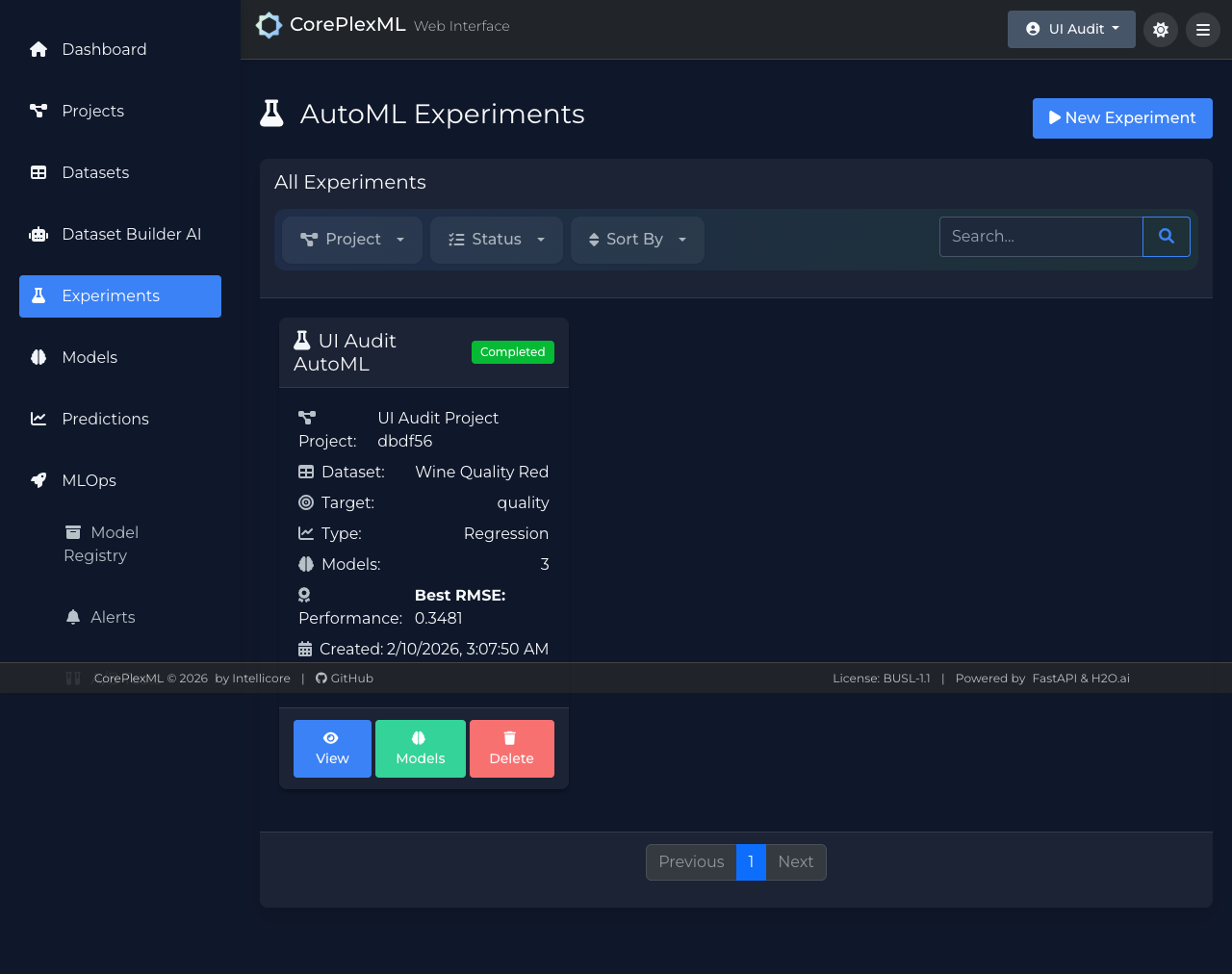
Experiment execution and status monitoring.
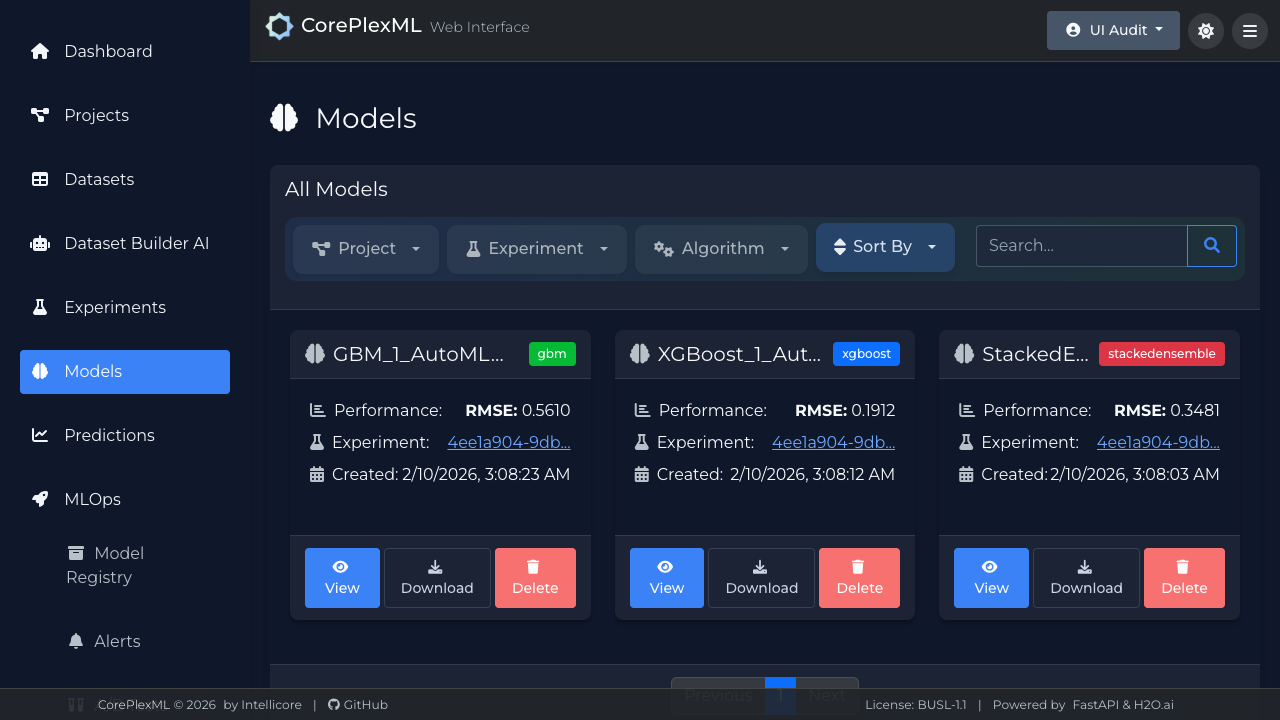
Model registry with metric and artifact metadata.
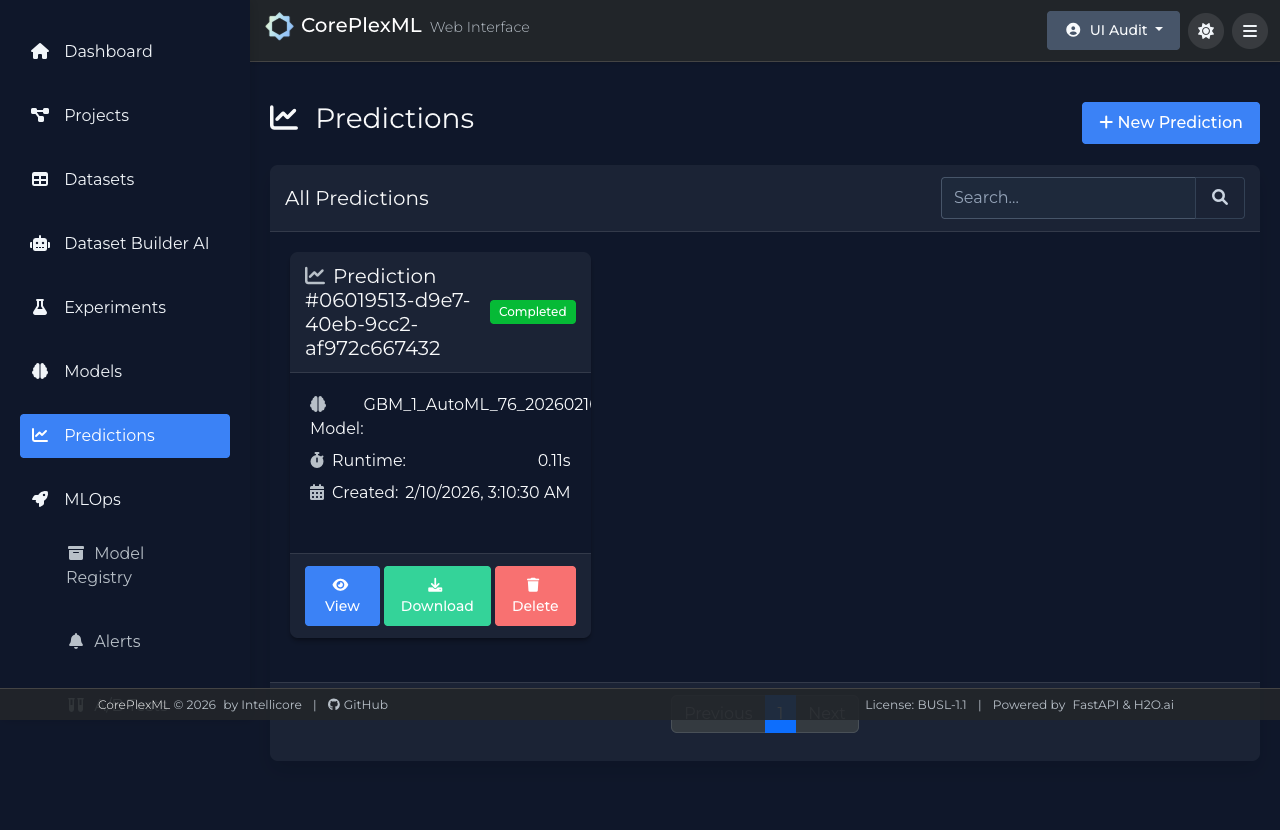
Prediction UI for single and batch inference.